Find the best tools to suit your SEO marketing needs
Whether you’re new to SEO or a seasoned pro, there’s a lot to consider when it comes to choosing the best SEO tools to meet your business’ needs.
You may have tons of questions floating around your mind making it difficult to make a decision about which tool is right for you. What is an SEO tool? Which tools are best for keyword research? How to you measure off-page SEO performance? What does technical SEO mean?
To help guide you through the decision making process and ensure you find the best SEO tool for your needs, we’ve done the difficult part and narrowed down the best tools for each purpose, so you don’t have to.
Keyword research refers to the practice of finding keywords your audience are searching for that you can create content around in order to appear in search results.
Investing time in (and putting some budget behind) keyword research allows you to build a solid SEO strategy that accounts for your audience’s search behaviour.
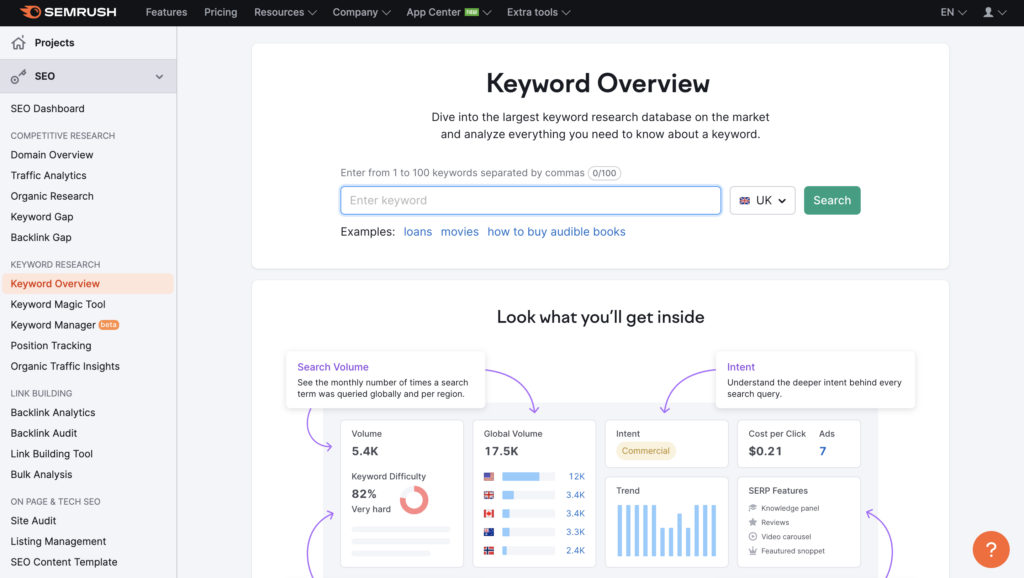
Semrush is our go-to for all things SEO.
Their extensive keyword research features are the perfect addition to your SEO toolkit.
Keyword Overview Tool – Build a solid and custom SEO strategy by discovering the value of any keyword based on search volume, keyword difficulty, search intent, number of results, competition level, SERP features, and more.
Keyword Magic Tool – Not sure which keywords to look for? This tool generates thousands of keyword combinations from one seed keyword to help you create a keywords list of the perfect keywords.
Keyword Gap Tool – Discover new opportunities by using this feature to benchmark up to five competitor keyword profiles at once.

cognitiveSEO’s Keyword Tool can help you find the right topics for your business to target based on search volumes, difficulty or content performance.
You can also discover new ranking opportunities and identify the keywords it’s worth investing in for your brand.
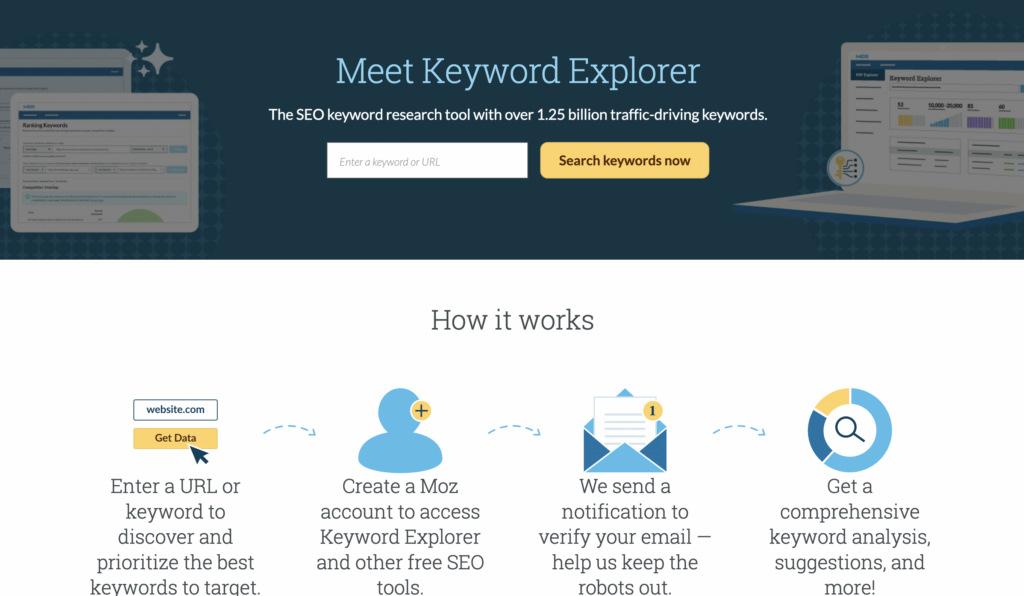
Moz’s Keyword Explorer improves how you discover and prioritise the best keywords for your business to target.
Create and manage keyword lists that you can categorise and prioritise based on your business needs to develop a strong SEO strategy.
What does technical SEO mean? Technical SEO focuses on the technical aspects of a website that can help to improve both user experience and search engine ranking.
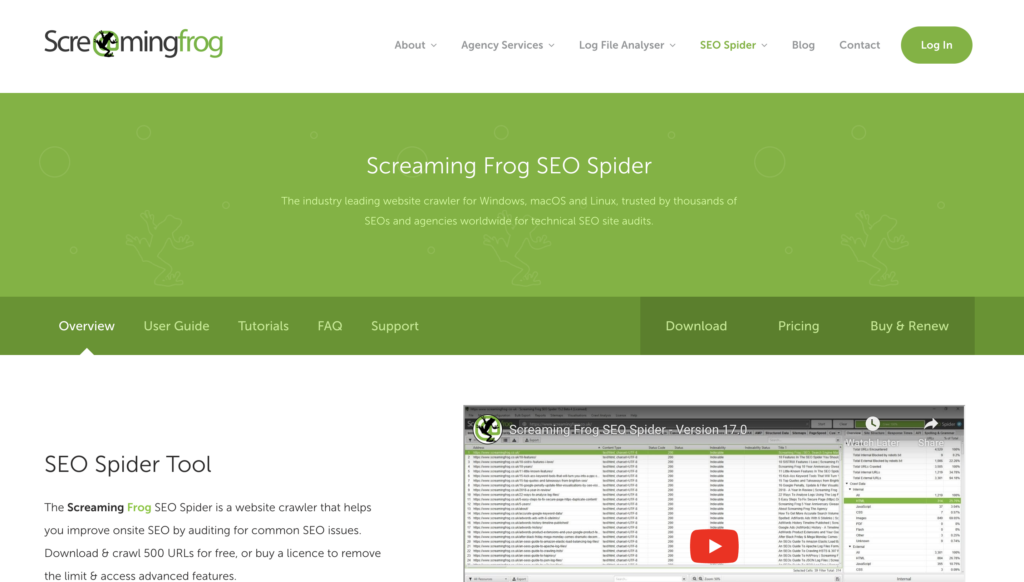
Screaming Frog is a technical SEO audit tool that crawls your website and gives you a list of issues relating to its SEO performance.
The tool provides an in-depth analysis of any and all issues that could impact website performance, both from a user experience perspective and impact on search engine ranking.
Examples of issues that the tool will find include broken links, issues with title and meta data and duplicate content on the site.
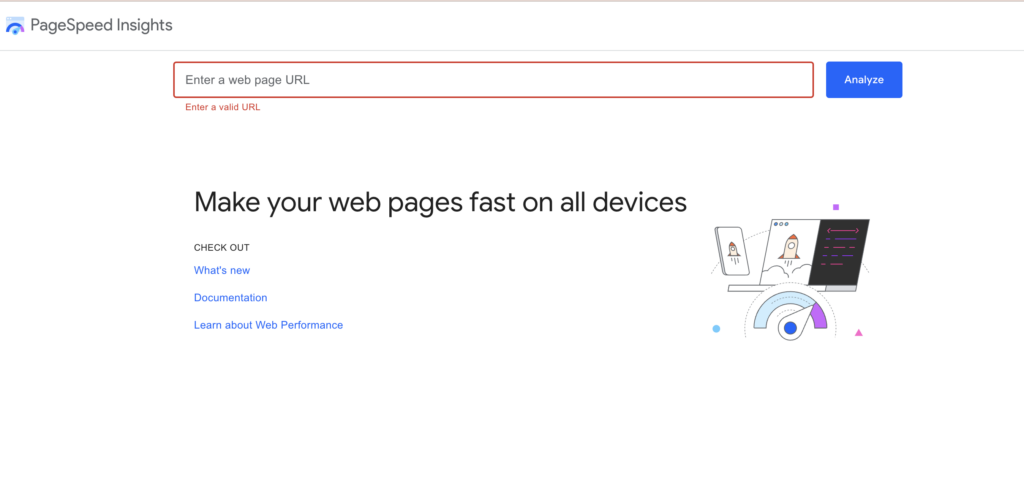
PageSpeed Insights reports on the user experience of a page on both mobile and desktop devices, and provides suggestions on how that page may be improved.
Page speed can impact both user experience and how your website ranks in search engines so this is a useful tool to check out when conducting a website audit.
Off-page SEO refers to a brand’s activity on other sites in order to increase its own search engine rankings. Common off-page SEO tactics include building backlinks, encouraging branded searches and increasing engagement and shares on social media.
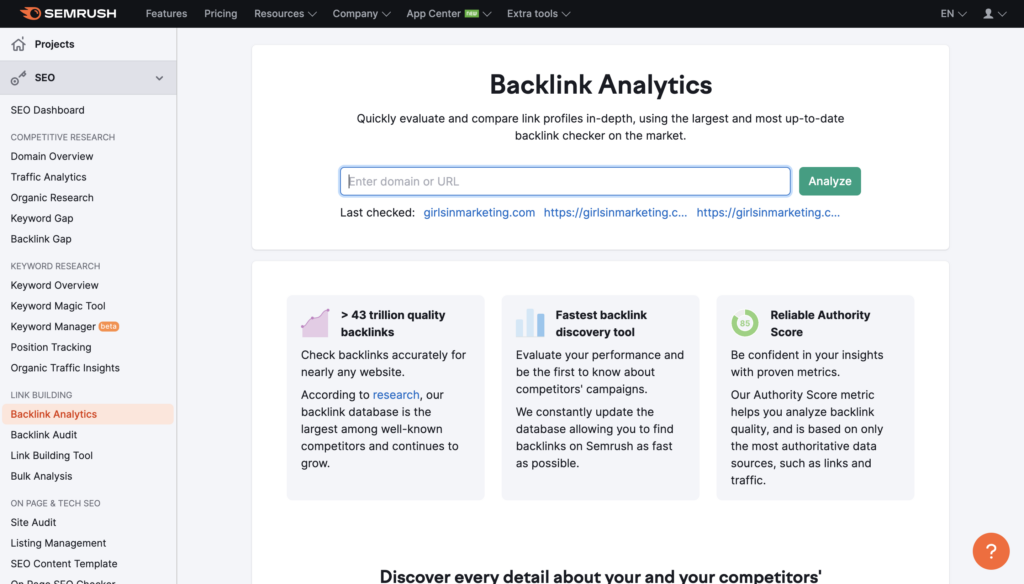
Semrush’s backlink tools allow you to understand and build your off-page SEO strategy in order to achieve the best results for your website.
Backlink Analytics – Discover and track all inbound links to your site and find outreach opportunities to boost your SEO based on your competitors’ backlink profiles.
Backlink Audit Tool – Monitor your backlink profile to ensure that the quality of the backlinks are good and allow you to clean up any rogue links to avoid Google penalties.
Backlink Gap Tool – Similar to the Keyword Gap Tool, find actionable insights on link prospecting and outreach based on your competitors’ backlink profiles.
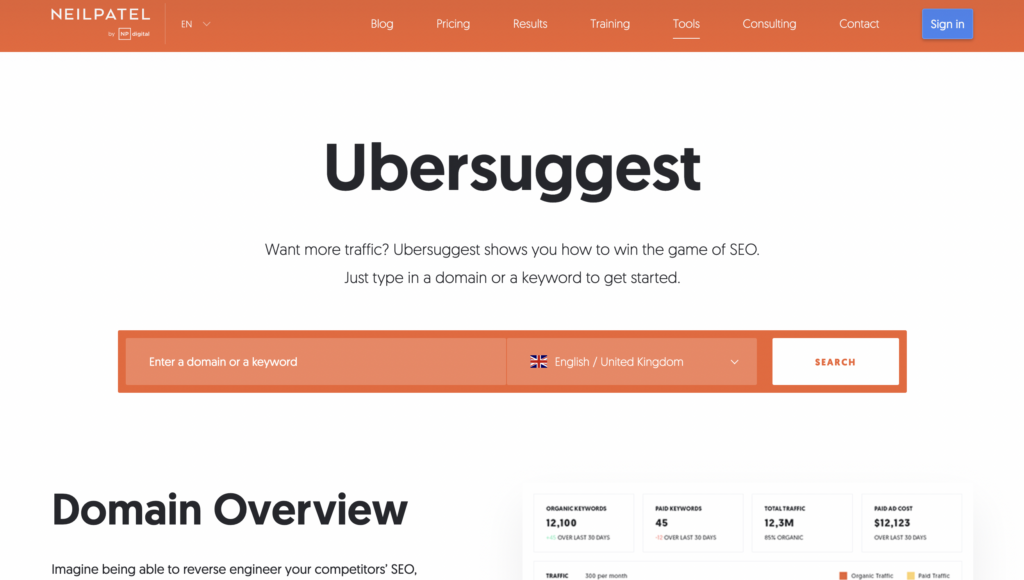
Ubersuggest allows you to see the exact content in your industry that people are linking to. This makes it easier to decide which sites to approach with a request that they link to your site.
Use this tool to improve your understanding of where to find relevant backlinks that will have the most impact on your website’s rankings.
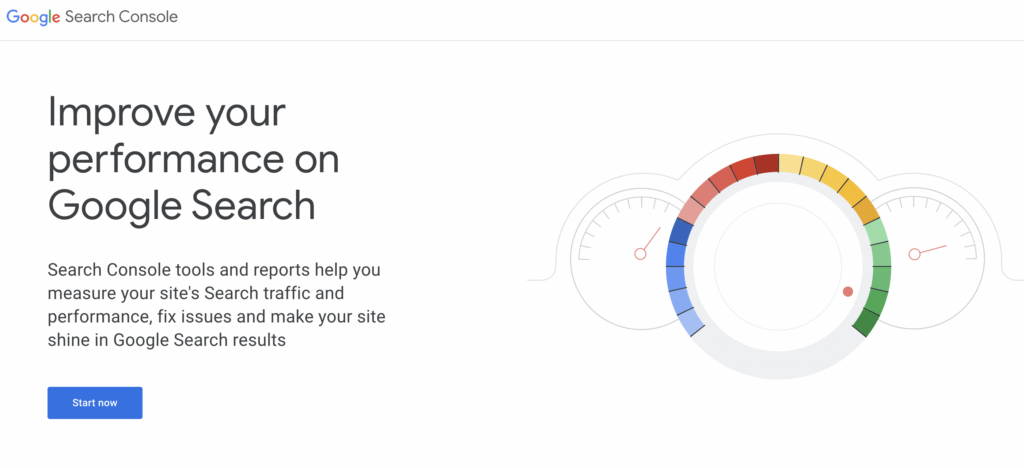
Google Search Console helps with backlink monitoring and analysis as well as your technical SEO.
Google Search Console allows you to view the number of external and internal links to your site, top linking sites and anchor texts, and more.
As well as external backlinks, internal links are also important for building a solid SEO strategy and this tool can help you find a balance between both.
Sign up to Socialtainment to receive marketing goodness straight to your inbox 📩
You've now been added to our mailing list!
Contact: [email protected]
Sign up to Socialtainment to receive marketing goodness straight to your inbox every other Monday 📩
We guarantee you'll never miss a trick with Socialtainment by Girls in Marketing 🚀
Contact: [email protected]